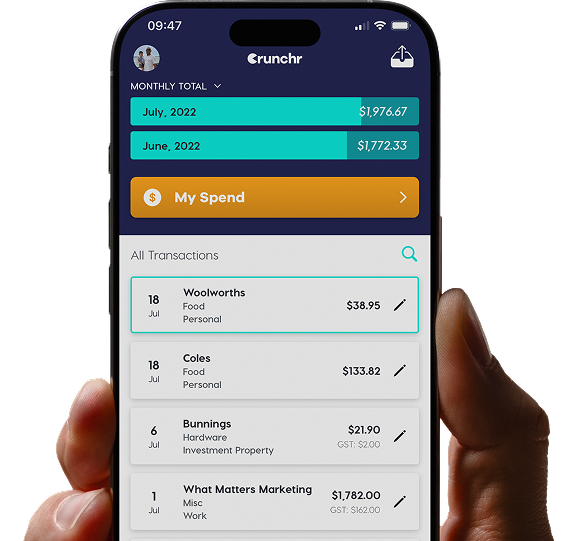
Smart, scalable expense tracking built for modern businesses.
“Say goodbye to financial stress — Crunchr makes tracking receipts and managing expenses effortless, so you can focus on what really matters.”
Try CRUNCHR FREE today
No credit card, no catch



Seamless expense capture, wherever work happens
No more chasing receipts. Team members can snap or upload them in seconds from any location and time zone.

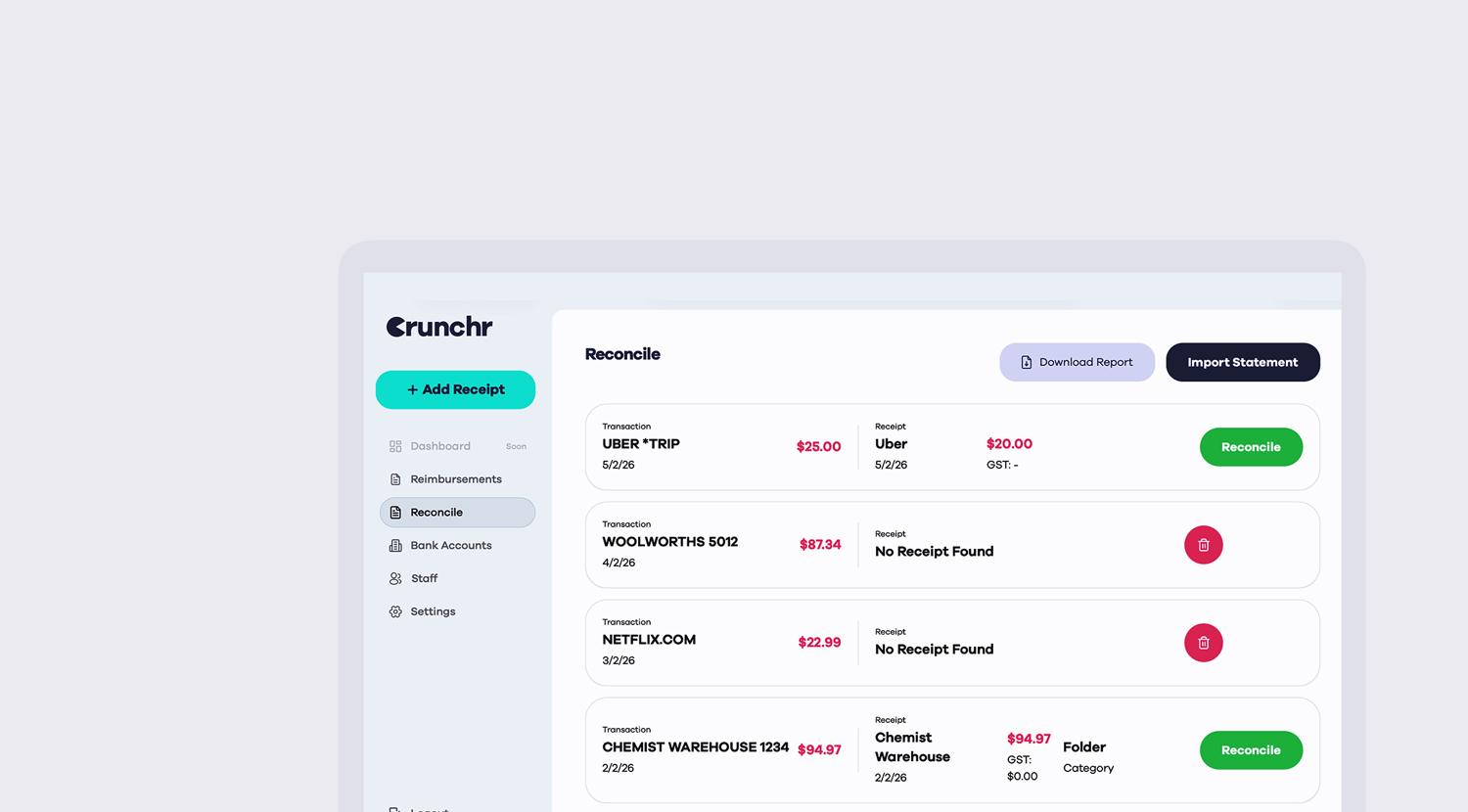
AI-Powered for fast and accurate expense tracking
AI validates and matches receipt data to bank feeds for accurate expense tracking, fewer errors, and faster reconciliation.

Split expenses easily
Split a single receipt across multiple data points such as cost centres, projects and customised G/L codes.

Control spend before it happens
See expenses as they’re submitted, set individual spend limits, and approve or reject claims in seconds.
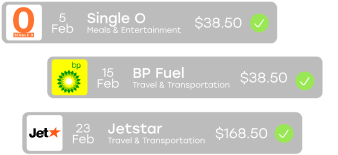
Search every receipt, instantly.
Every line, note, and detail is scanned and ready to find in seconds—perfect for audits or approvals.
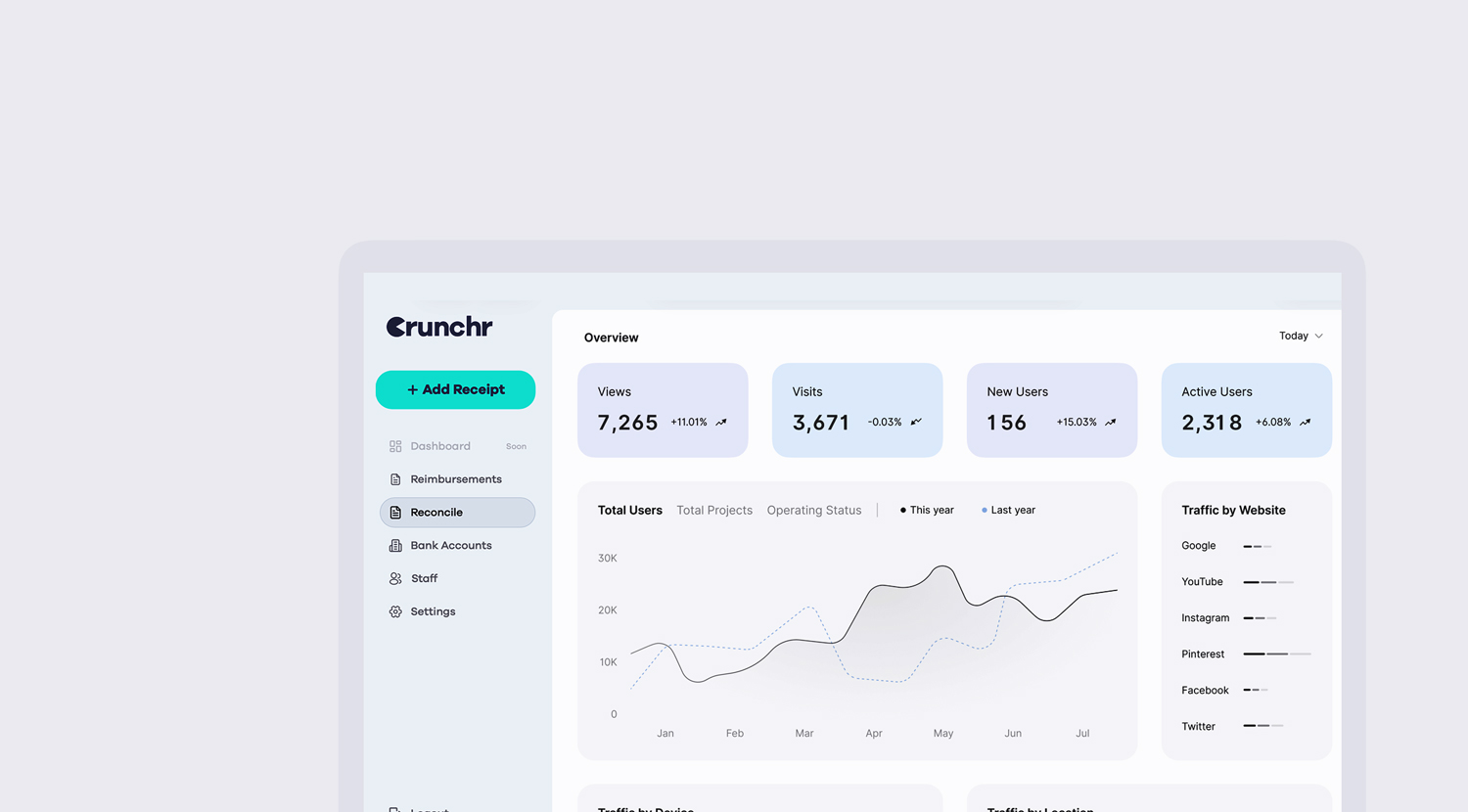
Expense errors detected early
Crunchr automatically flags duplicate expenses and manages recurring subscriptions, helping you avoid costly — and awkward — mistakes.

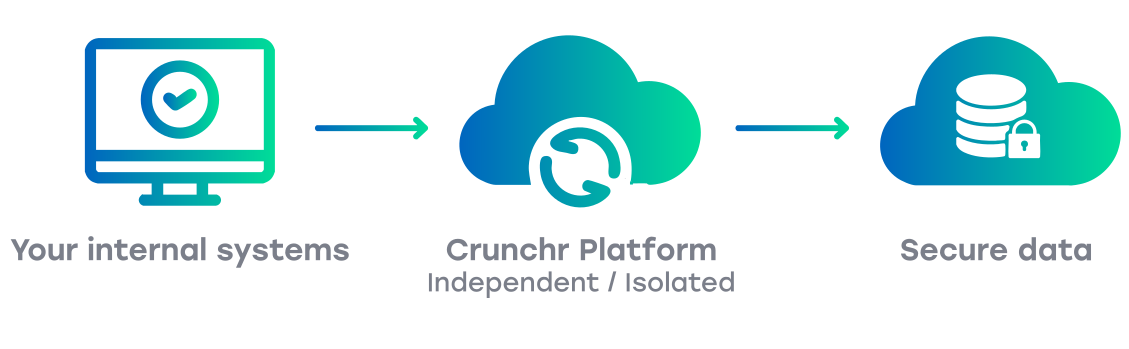
Secure by design
Crunchr works outside your internal systems, adding an extra layer of cyber protection. Your data is safeguarded with AWS financial-grade backups.
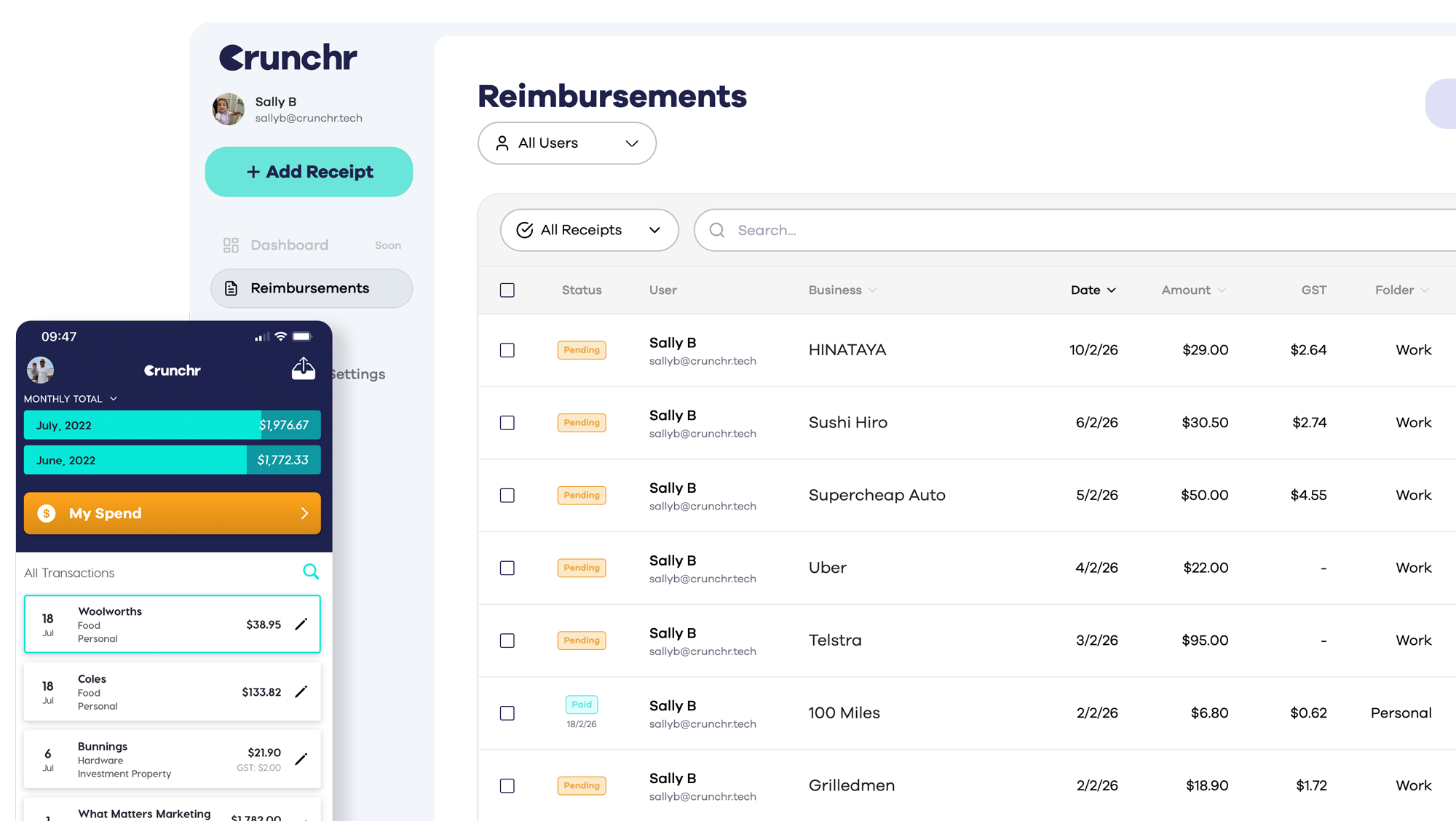
Crunchr dashboard for finance teams
Real-time visibility and control over team expenses from a single intelligent workspace. Crunchr dashboard allows finance teams to review, search, reconcile, manage, and approve receipts — eliminating manual paperwork and endless spreadsheet exchanges.
You asked. We listened.

Bill reminders.
Don’t get stung with late fees. Tell us when you actually pay your bills and we’ll remind you when they’re coming up.
Date expected: July 2025

Crunchr email.
Stay spam-free and private with an ‘@crunchr’ email address. Plus we’ll scan receipts straight from your inbox.
Date expected: July 2025

Crunchr Desktop.
Crunchr Desktop is the web version of the Crunchr mobile app, built for people who like to manage receipts and invoices from their computer. It lets you easily drag and drop or upload PDF invoices and receipt images—quick and hassle-free.
And if you’re using both the app and the desktop version, no worries—they sync automatically, so everything stays up to date no matter where you’re using it.


Split Receipts.
Whilst keeping Tax records the IRS states that you must apportion your expenses between business and private use, soon Crunchr users will be able to apportion a single expense receipt across different folders/spreadsheets
Example
Work from home – office expenses such as electricity, internet usage, when entering a bill Crunchr users can then allocate a % or $ amount to work expenses and the other % or $ amount to personal.
*Always check with your accountant or tax professional to ensure your records meet IRS standards.

My spend calculator.
Enabling users to Crunch the numbers and calculate totals for specific categories and time ranges in seconds.
Released: 10 October 2023

Multi-page receipts.
Multi-page receipts? We got you. Snap a pic of each page Crunchr will combine them into one file.
Released: 10 October 2023
Foreign currency capability
Travelling overseas, no worries, Crunchr will soon have the capability to read and store receipts in Foreign Currencies.
Released: 12 June 2023

Android app.
Crunchr is coming to Android. The team is hard at work on development and it’ll be with you real soon.
Released: 23rd January 2023
PDF reader.
One step closer to paperless. Our PDF reader scans e-receipts so you can ditch the paper ones.
Released: 4th Aug 2022